Use this setup when you want your system to receive webhook events for completed verifications.Documentation Index
Fetch the complete documentation index at: https://docs.idmetagroup.com/llms.txt
Use this file to discover all available pages before exploring further.
Steps
-
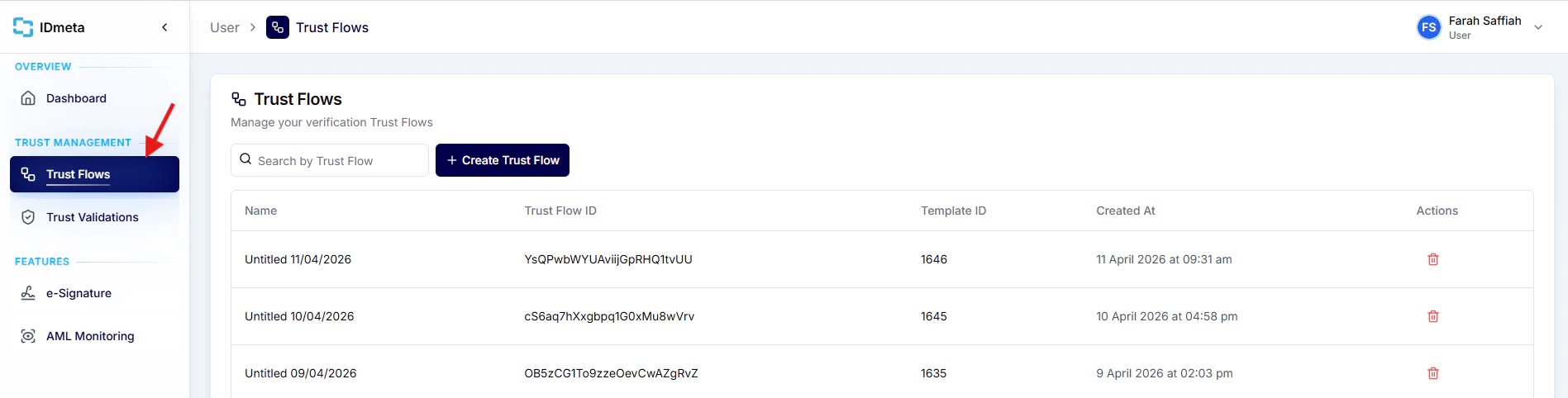
In the left menu, go to Trust Flows.
-
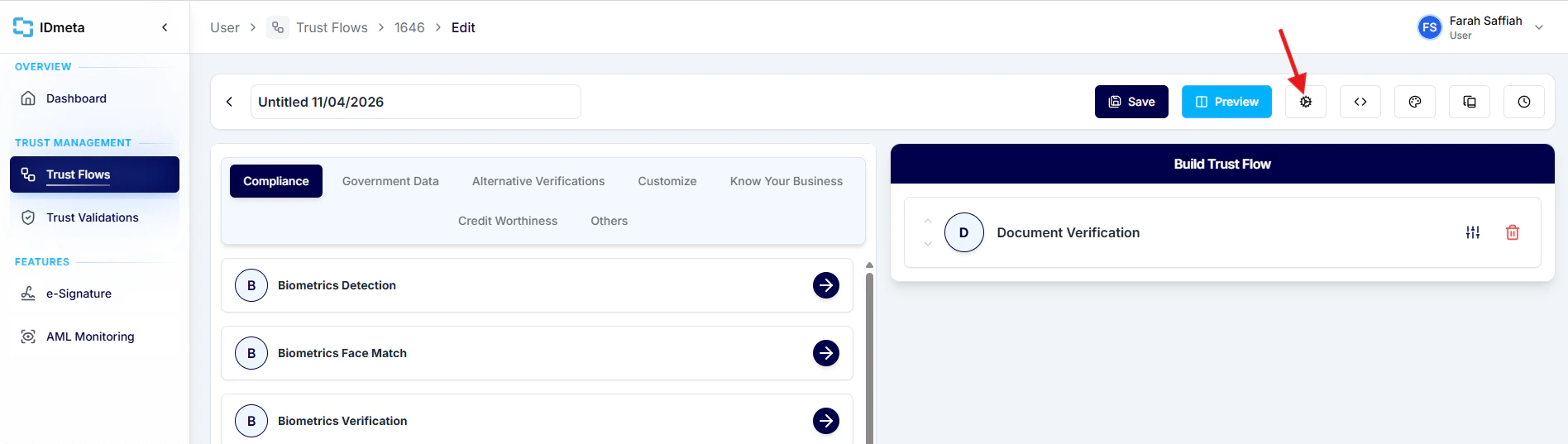
Open a Trust Flow, then click the Settings icon.
-
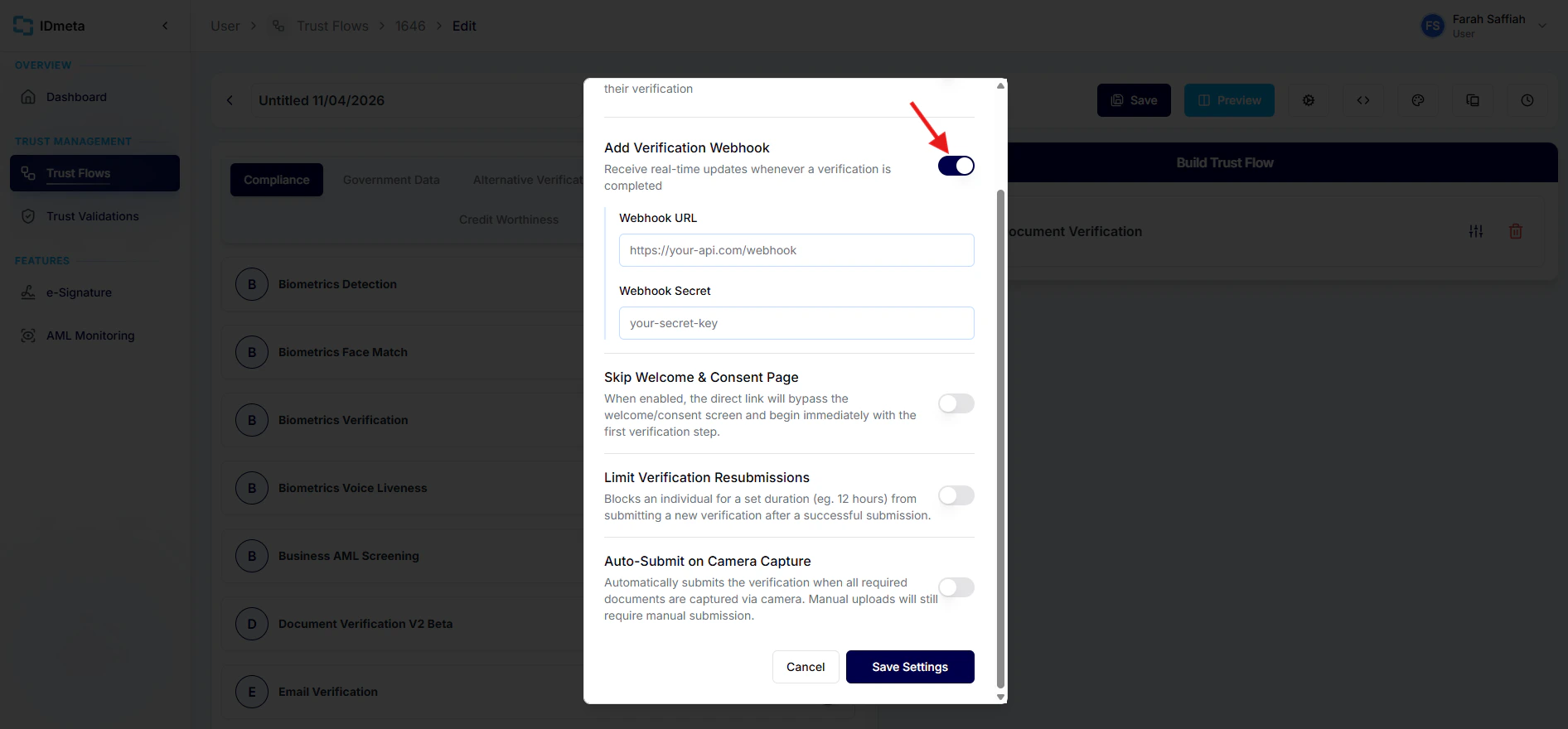
Enable Add Verification Webhook, then enter your Webhook URL and Webhook Secret.
-
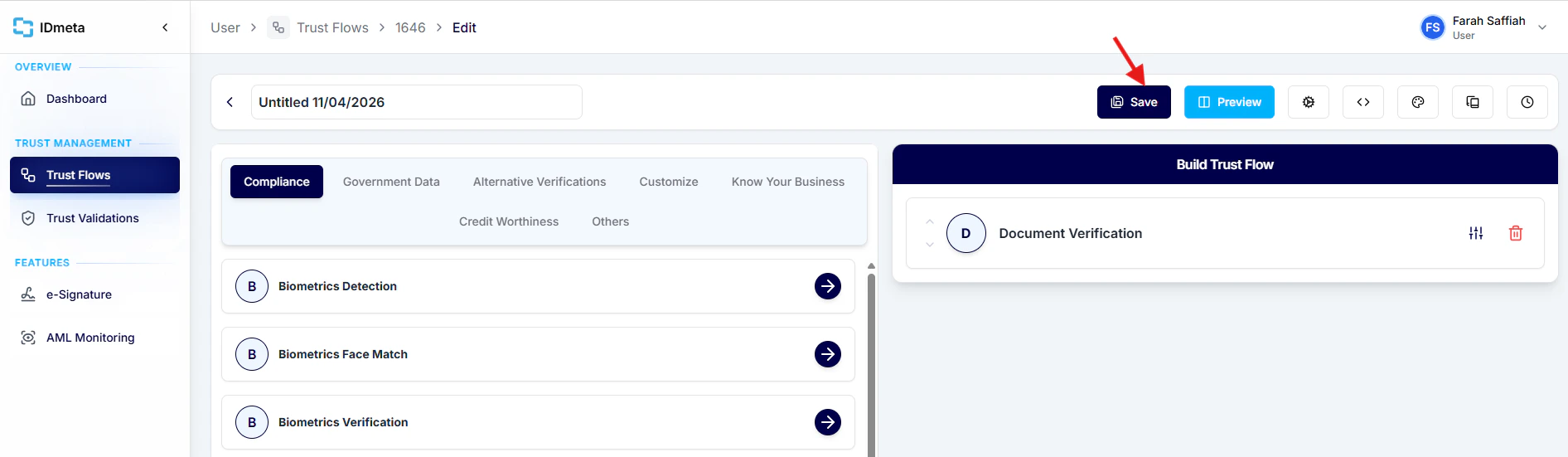
Click Save to apply the webhook settings.